 Clock In/Out
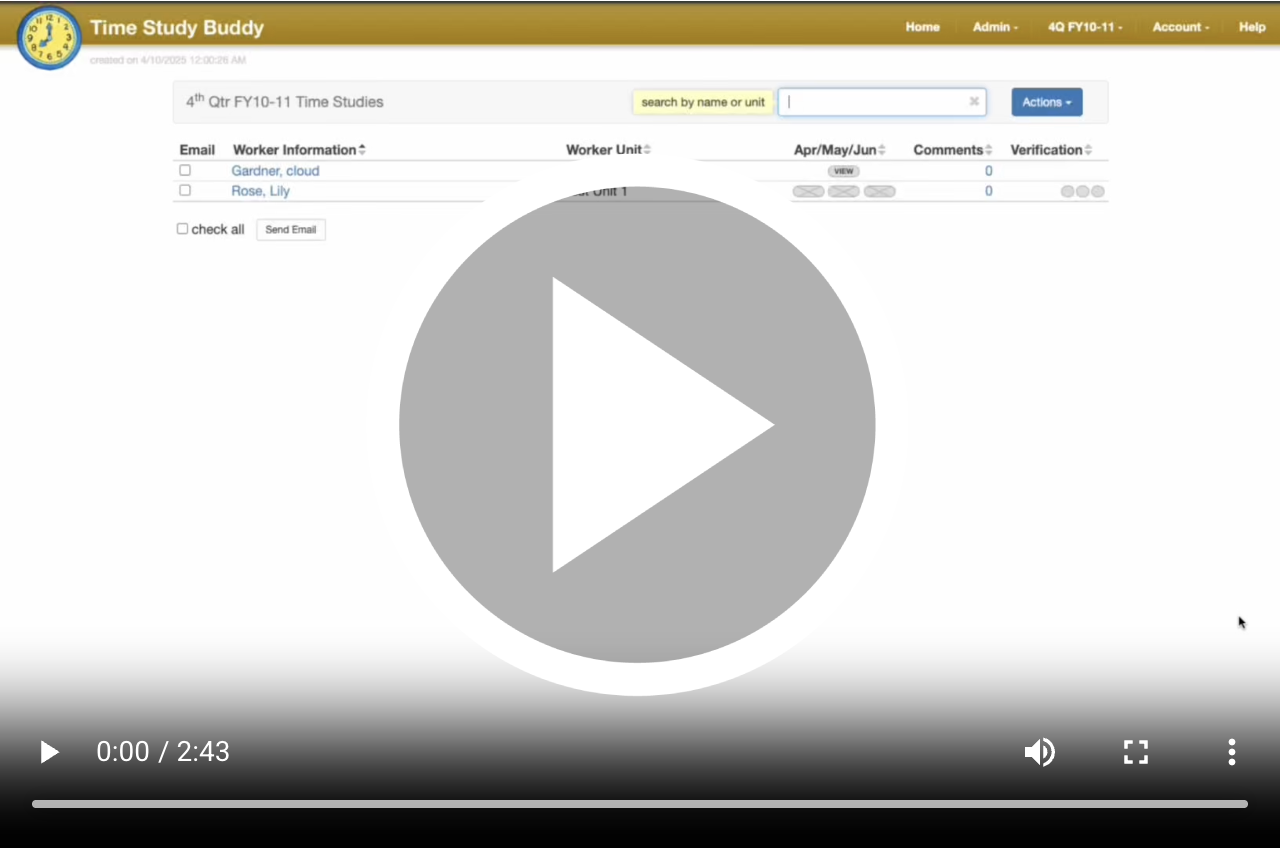
Why Clock In and Out?
Accurate records of employee hours are essential for any organization. Time Study Buddy's Clock In and Out feature
makes this process simple and reliable. Instead of relying on manual time tracking or memory, employees can now easily
log the start and end of their workday in real-time.
How to clock in and out?
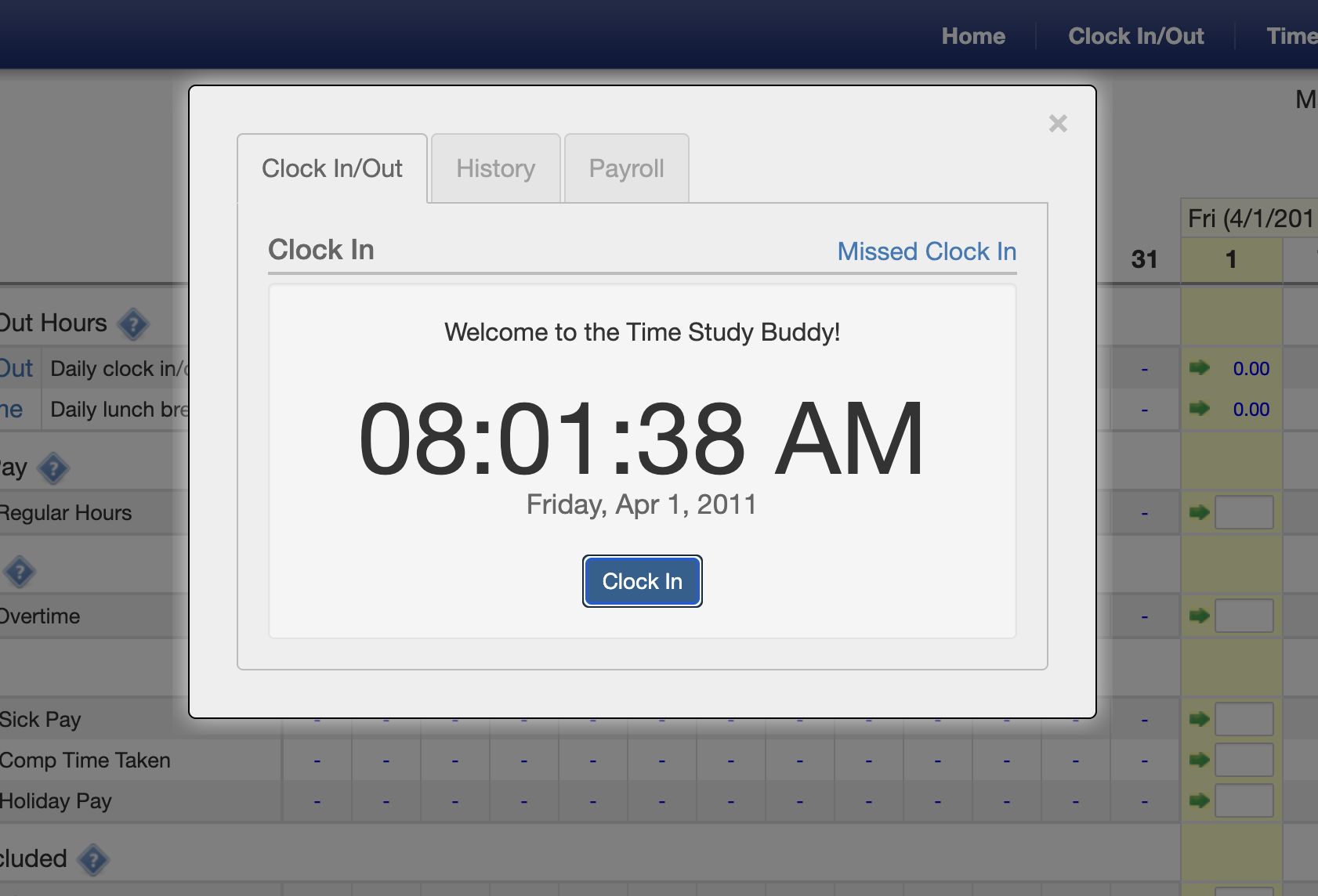 Clocking in is very simple. Navigate to the Clock In/Out tab and then click Clock In. If you have already clocked in,
this tab will show the option to clock out. After clocking in and out, the resulting hours will appear on your timesheet
under the Clock In/Out code.
Clocking in is very simple. Navigate to the Clock In/Out tab and then click Clock In. If you have already clocked in,
this tab will show the option to clock out. After clocking in and out, the resulting hours will appear on your timesheet
under the Clock In/Out code.
Forgot to Clock In or Out?
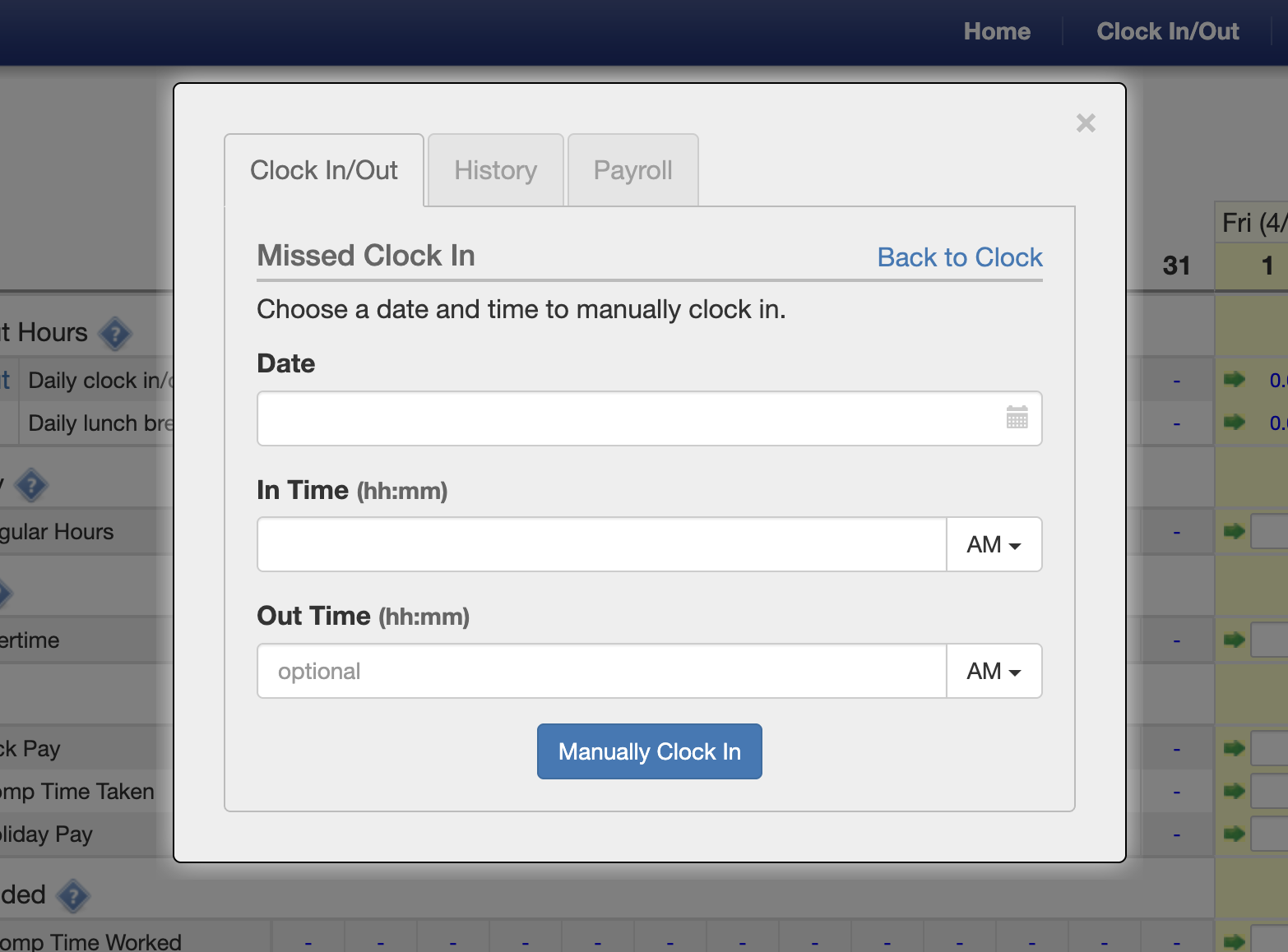 If you forget to clock in or out, don't worry. You can always click the
 Missed Clock In button to manually
enter your hours for the day. Your supervisor will need to approve all manually entered hours before they approve
your timesheet.