Secondary Documentation
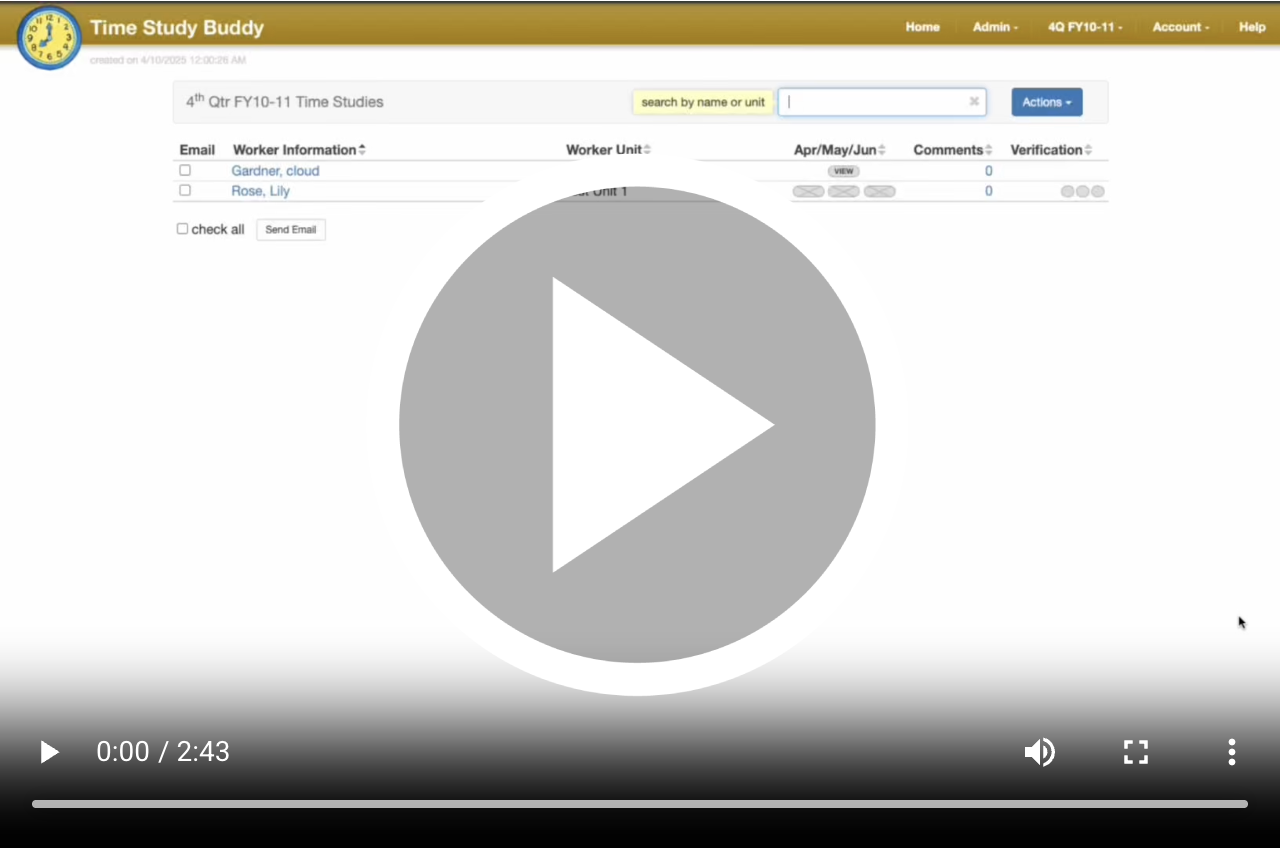
What is Secondary Documentation?
Visibility

 For every timesheet code, you have three options for configuring Secondary Documentation: no Secondary Documentation,
optional Secondary Documentation, and required Secondary Documentation.
For every timesheet code, you have three options for configuring Secondary Documentation: no Secondary Documentation,
optional Secondary Documentation, and required Secondary Documentation.
Timesheet Appearance
 When Secondary Documentation is required on a timesheet code, you will have a red or green icon for each day of that
code. Red indicates that you need to complete Secondary Documentation, and green indicates that you have already
completed it. If you have Documentation to do at the time of signing, you will need to complete it before signing.
When Secondary Documentation is required on a timesheet code, you will have a red or green icon for each day of that
code. Red indicates that you need to complete Secondary Documentation, and green indicates that you have already
completed it. If you have Documentation to do at the time of signing, you will need to complete it before signing.
How to Use Secondary Documentation
 To enter your Secondary Documentation, click the hours for the day you need Documentation, and a pop-up will appear
where you can type in the information. On the right is an example from a real customer, showing how they utilize the
feature. They have it set on all hours and use it to track the hours they worked.
To enter your Secondary Documentation, click the hours for the day you need Documentation, and a pop-up will appear
where you can type in the information. On the right is an example from a real customer, showing how they utilize the
feature. They have it set on all hours and use it to track the hours they worked.
Where does Secondary Documentation Go?
Secondary Documentation will be visible in an Excel file after signing. Your perspective may look different, but the
point is that all your Documentation will be visible from your Excel file.
