Compliance Rules
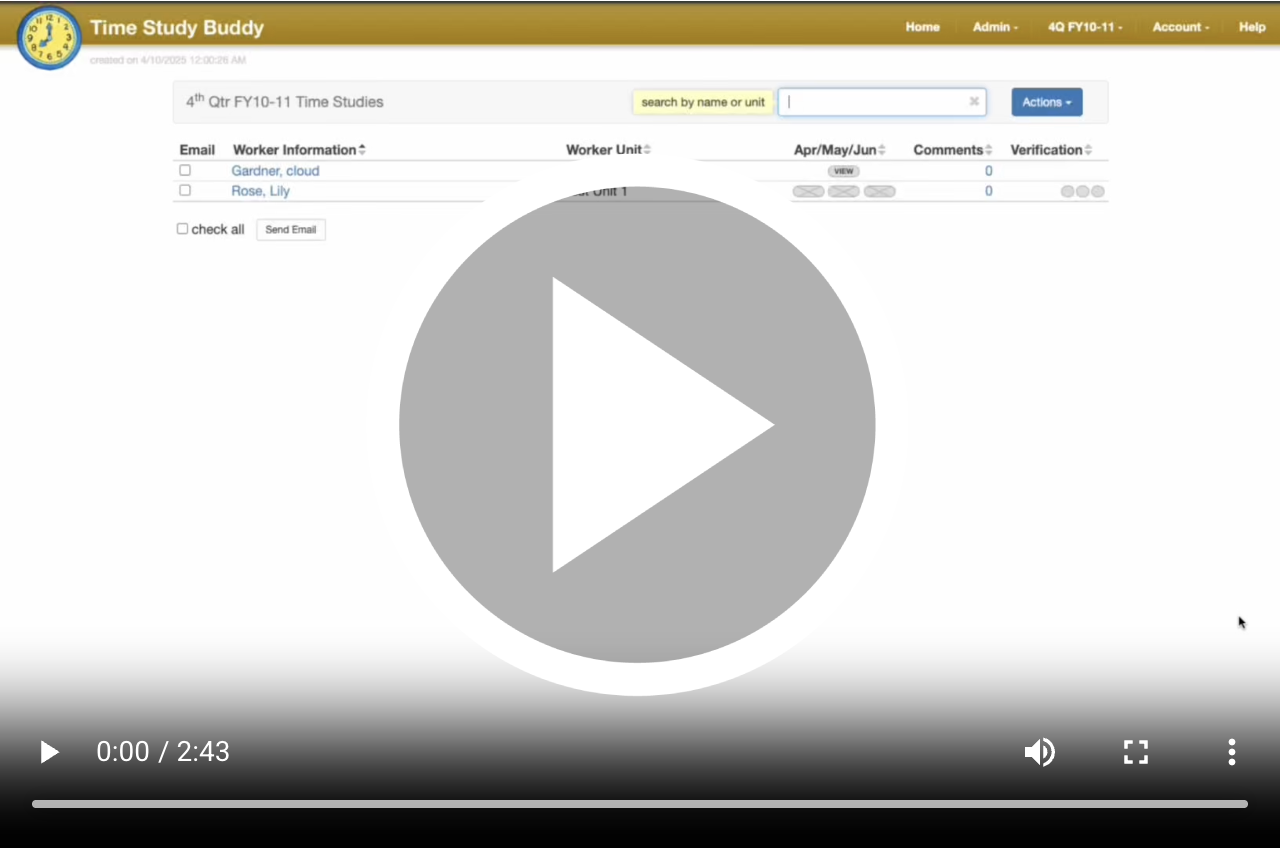
What are compliance Rules?
Violation Levels
Informational
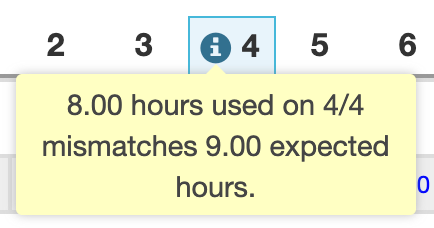
We use informational compliance violations to track situations that supervisors and the fiscal team should review, but don't necessarily violate legal regulations. When a timesheet has an informational violation, it is highlighted with a blue dot. The worker and supervisor will still be permitted to sign and approve the timesheet electronically, even with informational violations present.
Warnings
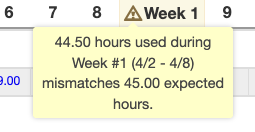
Warnings are a step up from information compliance violations and represent a highly discouraged scenario. Timesheets with warnings are highlighted with a yellow dot. While workers and supervisors may electronically sign their timesheets, they must acknowledge all warning violations before doing so.
Errors
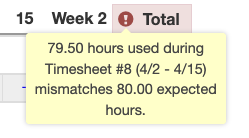
Errors represent situations that need to be avoided, usually for legal reasons, and are indicated by a red dot. Workers and supervisors cannot sign or approve time studies with errors or compliance violations. Administrators are still permitted to sign and approve, but must explain why the violation is being allowed.
Violations
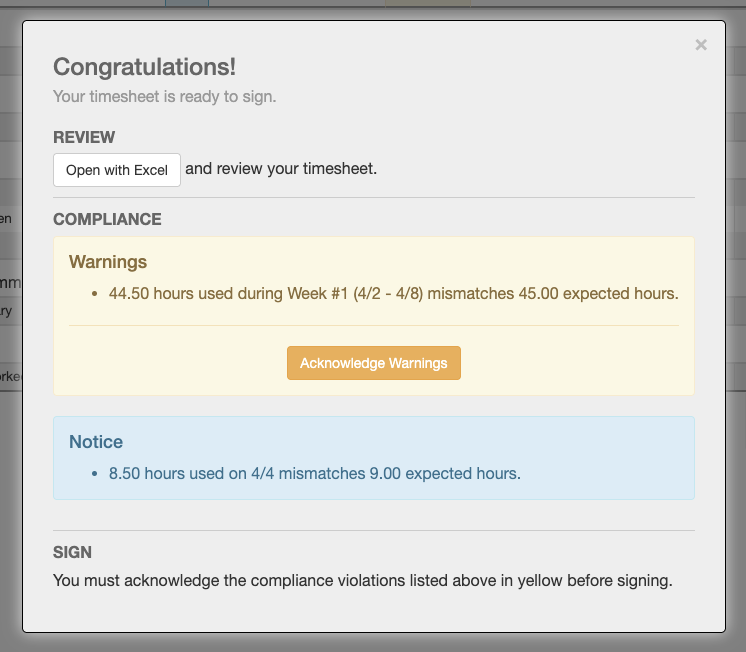
Admins and supervisors can view compliance violations by looking for colored dots over the timesheet status icons. Depending on the compliance rules being broken, the corresponding day, week, or total column is highlighted in either blue, yellow, or red, and violations can be read by hovering over the icon in the column header. All violations are listed in color-coded sections of the electronic signature and approval screens. If any warnings are active when it comes time to sign, you will have to acknowledge them before signing. If any errors are active, you cannot sign your timesheet.